Vendor Export POS

This is a report of all the purchase order for a specific vendor and includes information like address, purchase order number, amount and remaining amount.
The vendor export POs report can be access on the BuildBase dashboard.
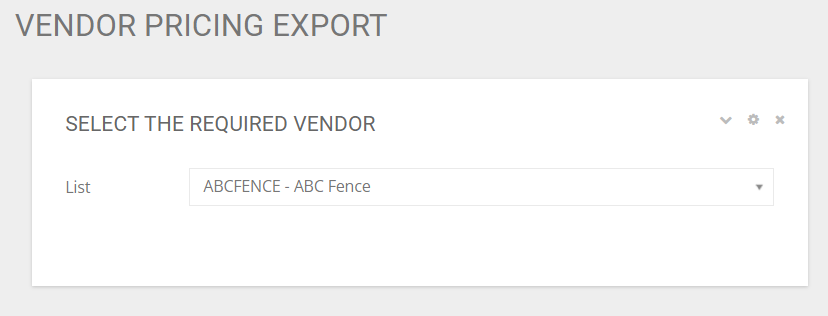
If you have access to more then one vendor account, then you will get a dropdown list with the vendors that you have access to. Select the vendor that you will like to download the report for. If you only have access to one vendor, this vendor will be defaulted into the list and the report will automatically download.
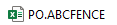
The report will download in excel with the name of "PO.[Vendor Code]'
The excel report includes the following information

- Project: The project name that this purchase order was created under
- Job No: The job number that is used by the builder to identify a lot/job
- Job Address: The physical location of the job
- Uniformat Code: The Classification/Cost code for the purchase order
- Uniformat Descr.: The description of the classification/cost code for the purchase order
- PO No: The purchase order number
- PO Type: The type of purchase order. This will identify if this is a variance purchase order or a model purchase order
- PO Order Date: The date the purchase order was created
- PO Release Date: The date the purchase order was sent to the vendor
- PO Amount WO Tax: The total price of the purchase order without tax
- PO Remaining Amount WO Tax: The amount that is remaining to be invoiced on the purchase order.