Users

In order for people to access users, either trades partners or builder employees, those people need to have a user in BuildBase.
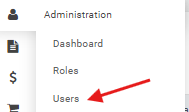
You can access the user management screen under administration --> users
User Details
User Details is where the general users details are set
- The Email Address of the user. Currently, this can only be set at creation time and cannot be subsequently edited.
- Security Clearance: Specify whether the user should be able to see dollar amounts. For example, a vendor's subcontractor may only be permitted to view scope of a purchase order, but not the pricing.
- First Name: First name of the user
- Middle Name: Middle name of the user which is optional
- Last Name: Last name of the user
- Title: The job title of the user which is optional
- Phone Number: The Phone number of the user
- User Type: The type of user this is
- Unknown: Any new user will start with an unknown user. If a user has unknown user type, they are going to be unable to use BuildBase.
- InternalUser: This user is internal to the home builder
- Vendor: The user is external and belongs to a vendor or other partner that has purchase orders
- IsAdmin: Is this user a global administrator for this builder.
- Is Locked: The user has tried to log in too many times with the wrong password and their account is locked. When the account is locked, the user cannot log into BuildBase.
- Is Enabled: Disabled users will not be able to log into BuildBase. All new users start with disabled. When a user leaves a company, it is best practices to disable their user.
If you change the user, you need to click save in order to save the changes to the user
Password Resets
There are two methods for completing a password reset on a user
- Forgot Password on Login Page
- Update Password in User Admin
Forgot Password
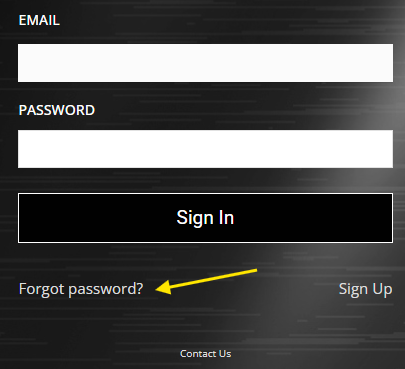
Forgot Password can be access on the login page, users need to be able to access the email address inbox that they are reseting the password for.
Update Password
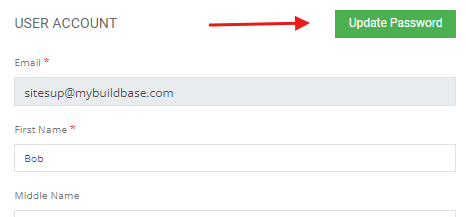
Update password is accessed on the user management screen and allows an administrator to reset a password for a user.
User Roles
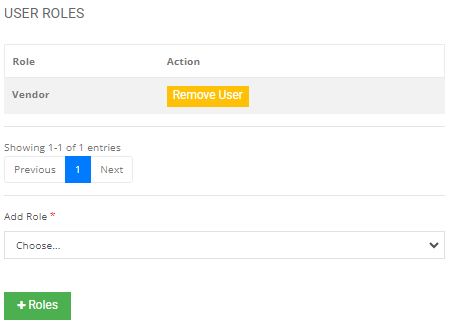
In order for a user to be able to access the features in BuildBase, they need to have at least one user role. You can add user roles on the right hand side of the user details screen.
You can select the user role you want to assign under the Add Role, once you select the role you need to click the +Roles button.
User Companies
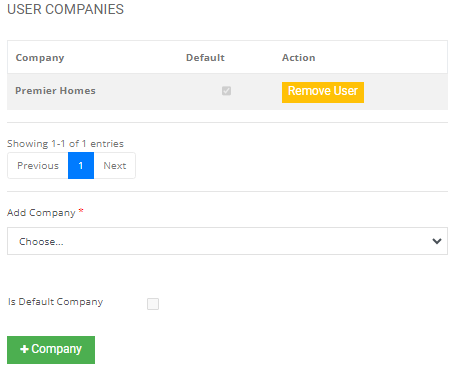
In order for a user to be able to access details about a builder, they need to have a user company configured. You can add a company they have access to on the right hand side of the user details screen.
You can select the company you want to assign the user under the User Companies, once you select the company you can either select this as the users default company (the first company that will load when the user logs in) or click +Company.
Work Group
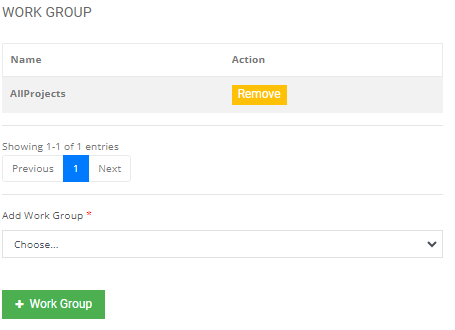
In order for the user to access projects and jobs, the user must have at least one workgroup assigned. You can add a work group on the right hand side of the user details screen.
You can select the work group the user has access to and click +Work Group
Contact
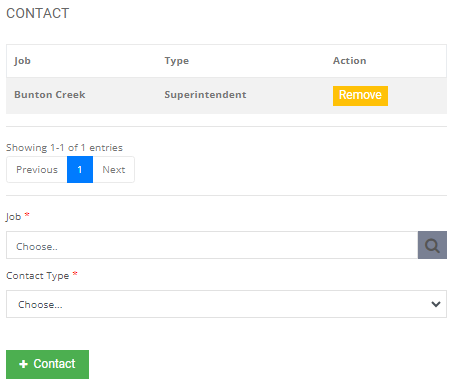
If this user is a project contact, you can configure that in BuildBase Project Management or BuildBase User Management