Introduction To Items

In most ERPs, items are created to represent all the components needed to build a home. For example, in other systems, typical items may include:
- 2X4 Stud
- Square Foot of Countertop
- Labor by Square Foot
This basic concept is the same in BuildBase, but our items include much more functionality which brings us to our first topic.
What is an Item?
A better way to ask this is what can an item be? For starters, an item can be all the things you would expect.
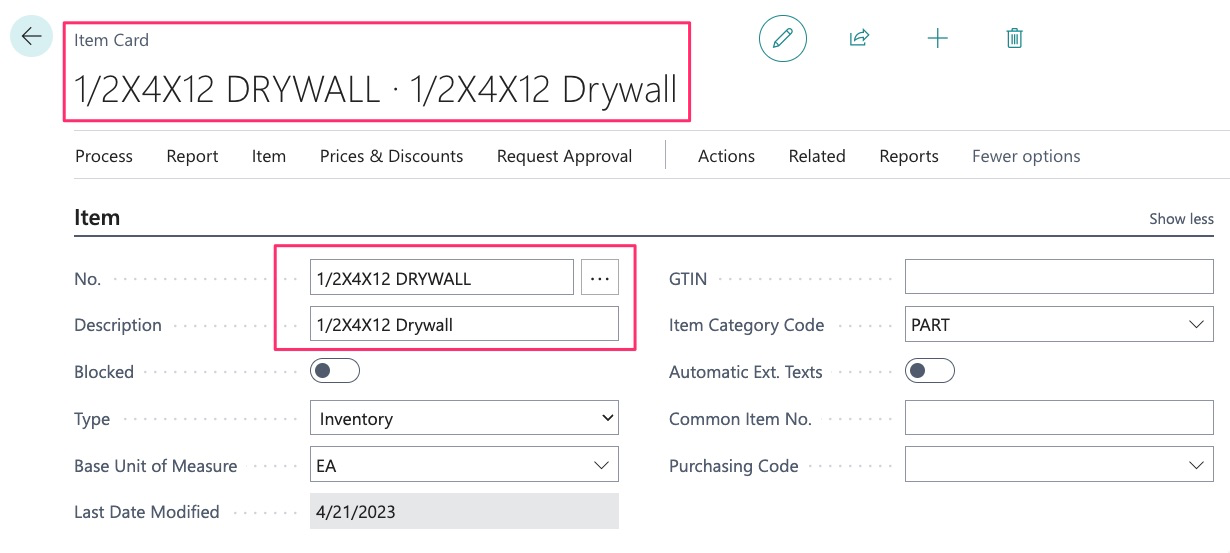
A sheet of drywall:
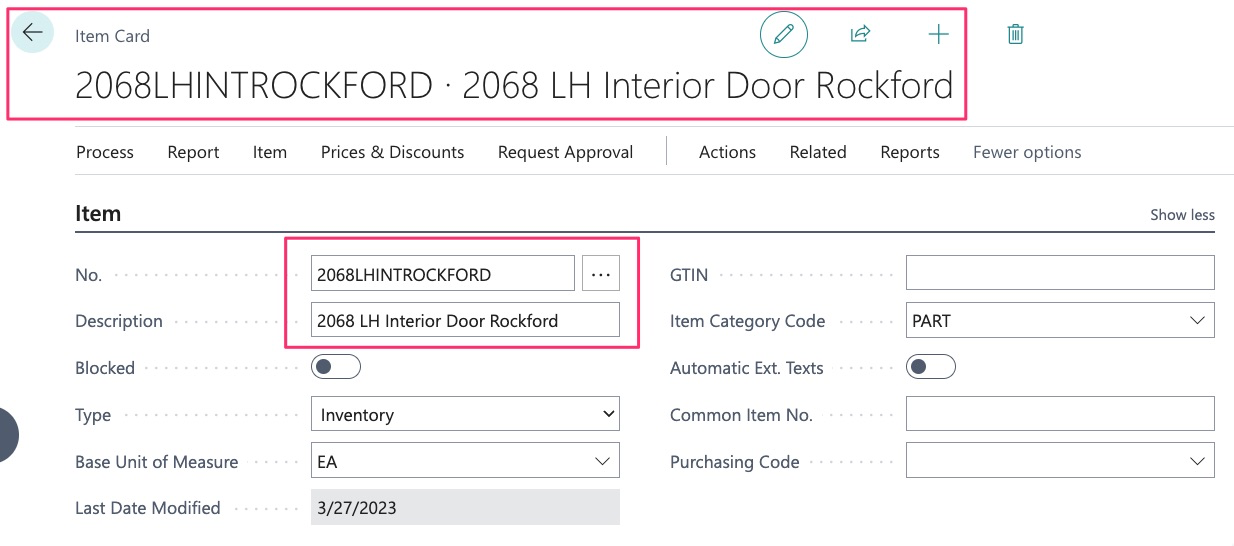
An interior door:
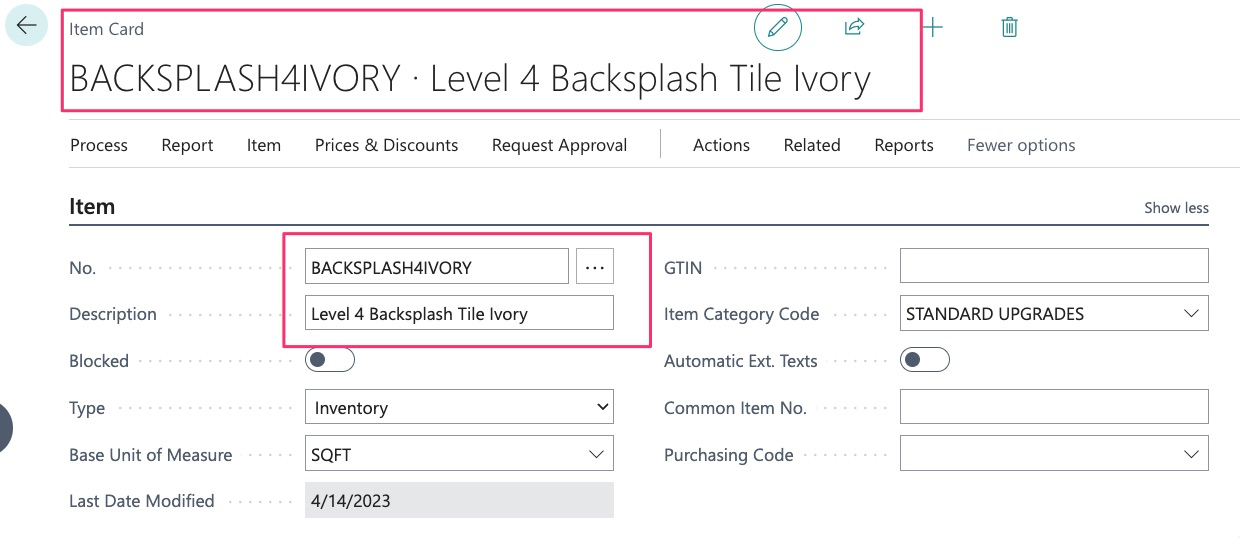
A Square Foot of labor and materials for backsplash tile:
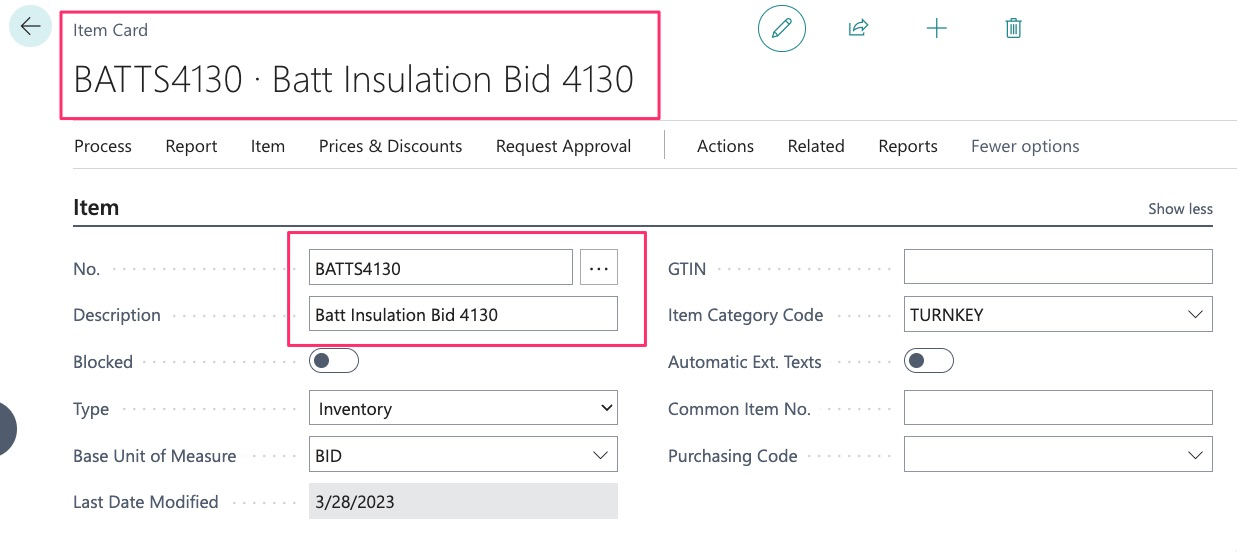
Or a labor and material (turnkey) bid for something like Batt Insulation:
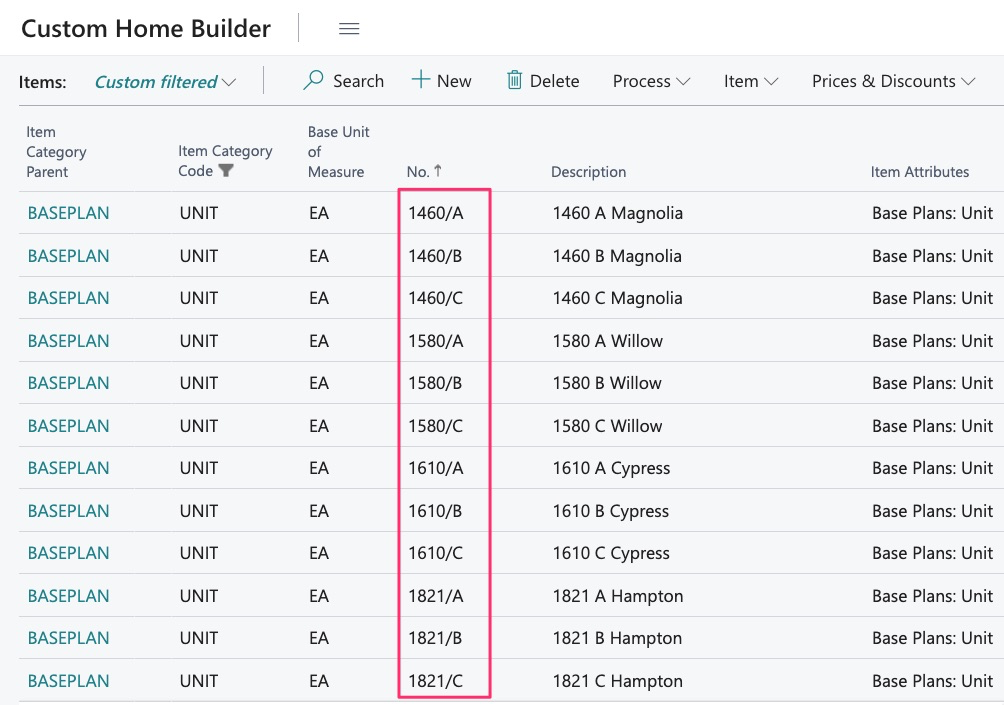
However, items are also used as Baseplans:
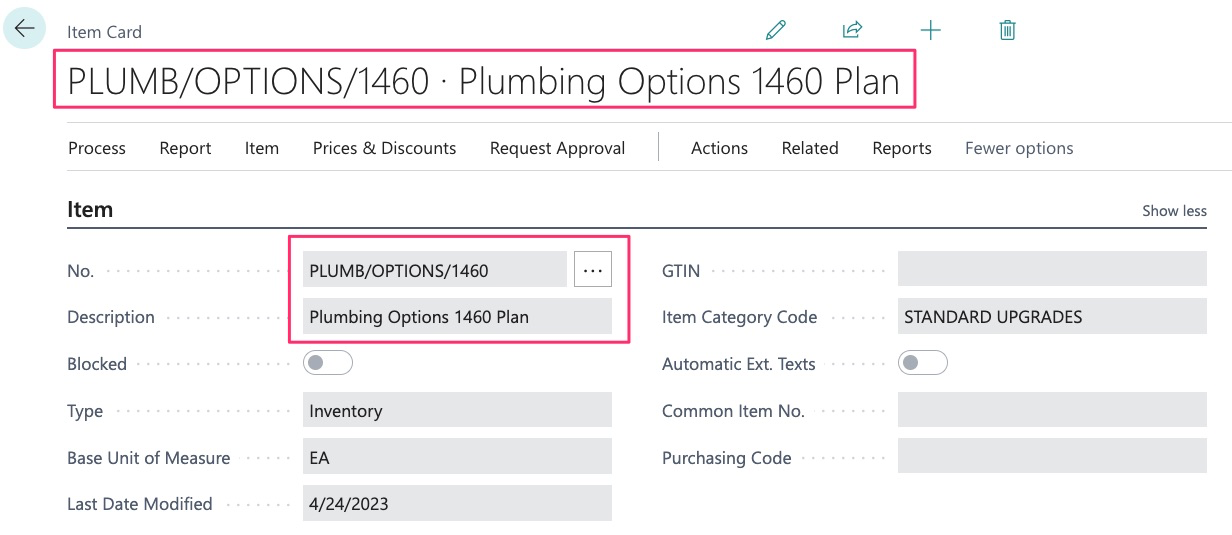
Items are also used for options:
Back to our initial question, what can an item be?
Earlier we stated:
- 2X4 Stud
- Square Foot of Countertop
- Labor by Square Foot
Our list has now grown to include:
- Baseplans
- Options
You are likely familiar with the concept of using items for a 2x4 or a labor bid but probably not as familiar with the concept of items as baseplans. We will provide more detail later as to how this is used but it is recommended that you also review the “Baseplans” guide as it may help you better understand this subject.
Baseplans are where we will house ALL the items needed to build a home.
We will also create items as “Options” and within options, we will house all the items needed to build the option.
Now that we have discussed what an item can be, let’s discuss item functionality. To do this, we must first define some of the terms we will be using regarding items.
Terminology
- Item
- Assembly/Assembly BOM
- Baseplan/Template
Assembly or Assembly BOM or Bill of Materials – In the system, and throughout this guide, you will see and hear these terms and sometimes they are used interchangeably. This term refers to the functionality that items provide. Within Dynamics, we can create items and then place items “inside of another”. When this is done, we have created an assembly. An assembly is also a BOM or “Bill of Materials” or “Take off” if that is the terminology you are more familiar with.
Baseplan and/or Template – We create our baseplans as items and in the system, you will likely see baseplans referred to as templates in some areas (in the “Jobs” application, for example). These terms mean the same things and keep in mind that your organization is NOT required to use the term “baseplan”, this is a customizable item category. However, the system will still refer to this as a “Template”. Now, because the baseplan is an item, we can take advantage of the power of the assembly and add items to our baseplan to create “Take offs” or “BOMS – Bill of Materials”.
NOTE – When you place 1 item inside of another, the “Parent” item is simply a “folder” to contain the item. For example, if you have an item for a dishwasher and want to place the item for installation within the item, the system will now only see the item for installation when added to a job and will NOT see the dishwasher. Instead, we must create an assembly item, then place the dishwasher and installation items within the assembly item:
- Dishwasher Assembly
- Dishwasher Item
- Dishwasher Install Item
Other sections have more details about how to navigate and create items.